Best InVideo AI Alternative for Short-Form Video Creators (2026)

InVideo AI made waves when it launched its text-to-video generator. You type a prompt, the AI writes a script, selects stock footage, adds a voiceover, and delivers a finished video. For marketers and YouTube creators who produce long-form explainers and promotional videos, it was a serious upgrade over manual editing.
But InVideo AI has a problem: it was not designed for the short-form creator economy. TikTok, Instagram Reels, and YouTube Shorts demand a completely different style of content — vertical format, fast hooks, trending caption animations, and a production rhythm that matches the 30-to-90-second attention span of mobile viewers.
If you have been using InVideo AI and found yourself constantly fighting with the output to make it work for short-form content, you are not alone. Here are the best InVideo AI alternatives built specifically for the platforms where modern creators actually post.
Where InVideo AI Falls Short for Short-Form Creators
InVideo AI is a capable tool for what it was built to do. But there are clear reasons why short-form creators are looking elsewhere:
- Desktop-first design. InVideo AI runs in a web browser. The interface is designed for laptop and desktop screens. Trying to create content on your phone is frustrating — tiny buttons, slow rendering, and a workflow that fights against mobile usage.
- Long-form optimization. The AI is trained to produce 3-to-10-minute explainer videos with a horizontal 16:9 format. While you can set it to vertical, the templates, pacing, and footage selection feel like horizontal content crammed into a vertical frame.
- Pricing for individual creators. At $25/month for the Plus plan (and $50/month for Max), InVideo AI is priced for marketing teams and businesses, not individual creators who are just starting to monetize their content.
- No mobile app. You cannot create, edit, or render videos from a native mobile app. For creators who film, edit, and post entirely from their phone, this is a dealbreaker.
The Best InVideo AI Alternatives for 2026
1. Zynos Reels — Best Mobile-First AI Video Generator
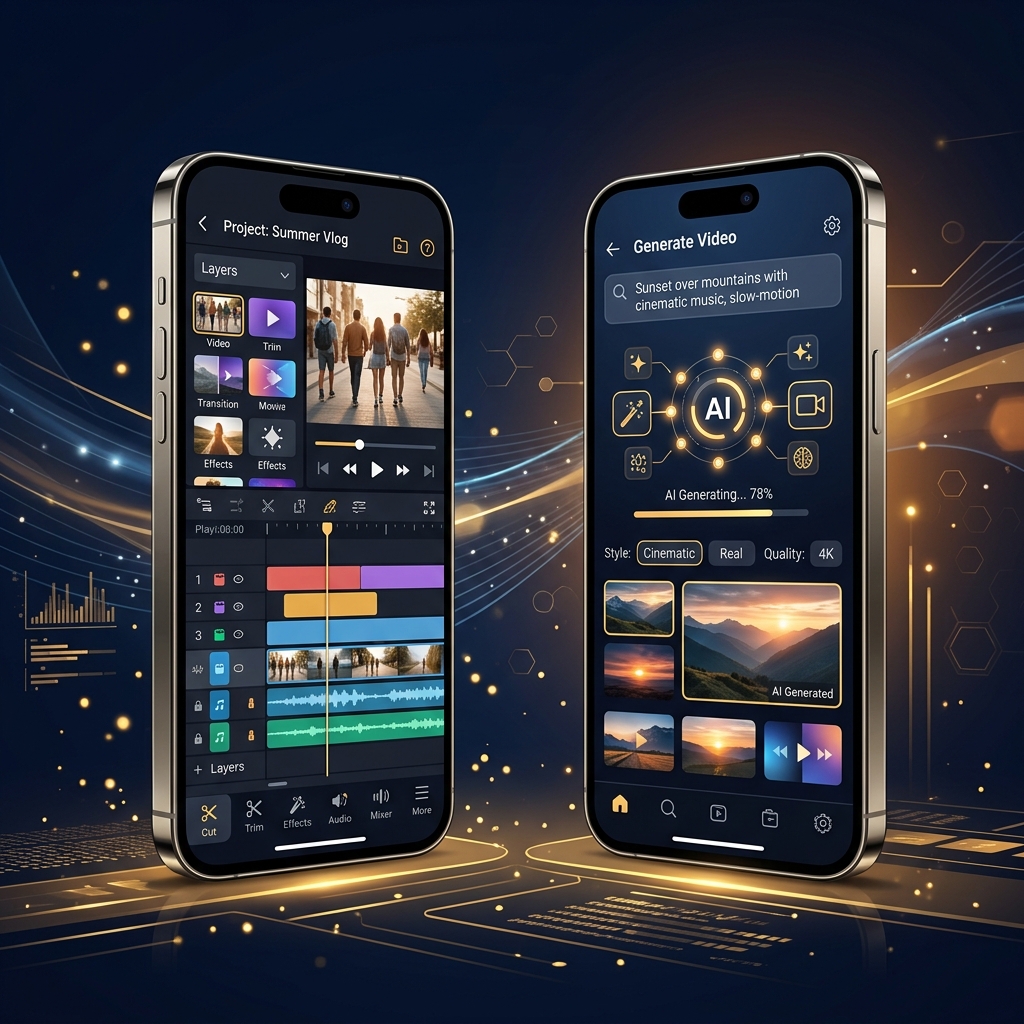
Zynos Reels does everything InVideo AI does — script generation, stock footage matching, AI voiceover, and automated editing — but it does it natively on your phone and it is purpose-built for short-form vertical content.
Where InVideo AI gives you a 5-minute horizontal explainer, Zynos Reels gives you a 60-second vertical Reel with a hook-driven script, animated word-by-word captions, and footage that actually matches the pacing of short-form content. The AI understands the difference between a marketing explainer and a viral TikTok.
Key advantages over InVideo AI:
- Native Android app — create and render entirely from your phone
- Built specifically for 9:16 vertical format
- Multiple content styles: faceless, talking avatar, UGC, storytime
- Faster rendering — 2 to 3 minutes per video vs. 5 to 10 minutes on InVideo
- More affordable — starting at $9.99/month vs. $25/month
Pricing: Subscriptions start at $9.99/month.
2. Pictory AI — Best for Repurposing Blog Content
Pictory AI specializes in turning written blog posts, articles, and long text into video summaries. If you are a blogger or content marketer with a library of existing written content, Pictory can convert those articles into video clips with relevant stock footage and voiceover.
Strengths: Blog-to-video conversion, automatic highlight extraction, decent stock footage library.
Weaknesses: Web-only (no mobile app), focuses on horizontal content, limited short-form templates.
Pricing: Starts at $19/month.
3. FlexClip — Best Browser-Based Editor With Templates
FlexClip is a web-based video maker that sits between a traditional editor and an AI generator. It offers hundreds of pre-built templates that you can customize with your own text, footage, and branding. The AI features include text-to-speech and automatic subtitle generation.
Strengths: Large template library, easy customization, text-to-speech integration.
Weaknesses: Browser-only, limited AI automation (you still arrange clips manually), slower than native apps.
Pricing: Starts at $9.99/month.
4. Opus Clip — Best for Repurposing Long Videos
Opus Clip takes a different approach entirely. Instead of generating videos from text, it takes your existing long-form videos (podcasts, webinars, YouTube videos) and automatically clips the most engaging moments into short-form vertical videos.
Strengths: Excellent at finding viral moments in long content, automatic reframing to vertical.
Weaknesses: Requires existing long-form video as input (cannot create from text), limited creative control over output.
Pricing: Starts at $15/month.
InVideo AI vs. Zynos Reels: Head-to-Head Comparison
- Platform: InVideo AI (browser-only) vs. Zynos Reels (native Android app)
- Best format: InVideo AI (horizontal long-form) vs. Zynos Reels (vertical short-form)
- Render time: InVideo AI (5-10 min) vs. Zynos Reels (2-3 min)
- Starting price: InVideo AI ($25/mo) vs. Zynos Reels ($9.99/mo)
- Content styles: InVideo AI (explainer, promo) vs. Zynos Reels (faceless, avatar, UGC, story)
- Target audience: InVideo AI (marketers, businesses) vs. Zynos Reels (creators, solopreneurs)
Which Should You Choose?
If you produce long-form marketing videos and work from a desktop, InVideo AI is a solid tool. But if you are a creator who posts daily short-form content on TikTok, Instagram, or YouTube — and you want to create everything from your phone — Zynos Reels is the better fit at a lower price point.
The creator economy has moved to mobile. Your video tools should too.