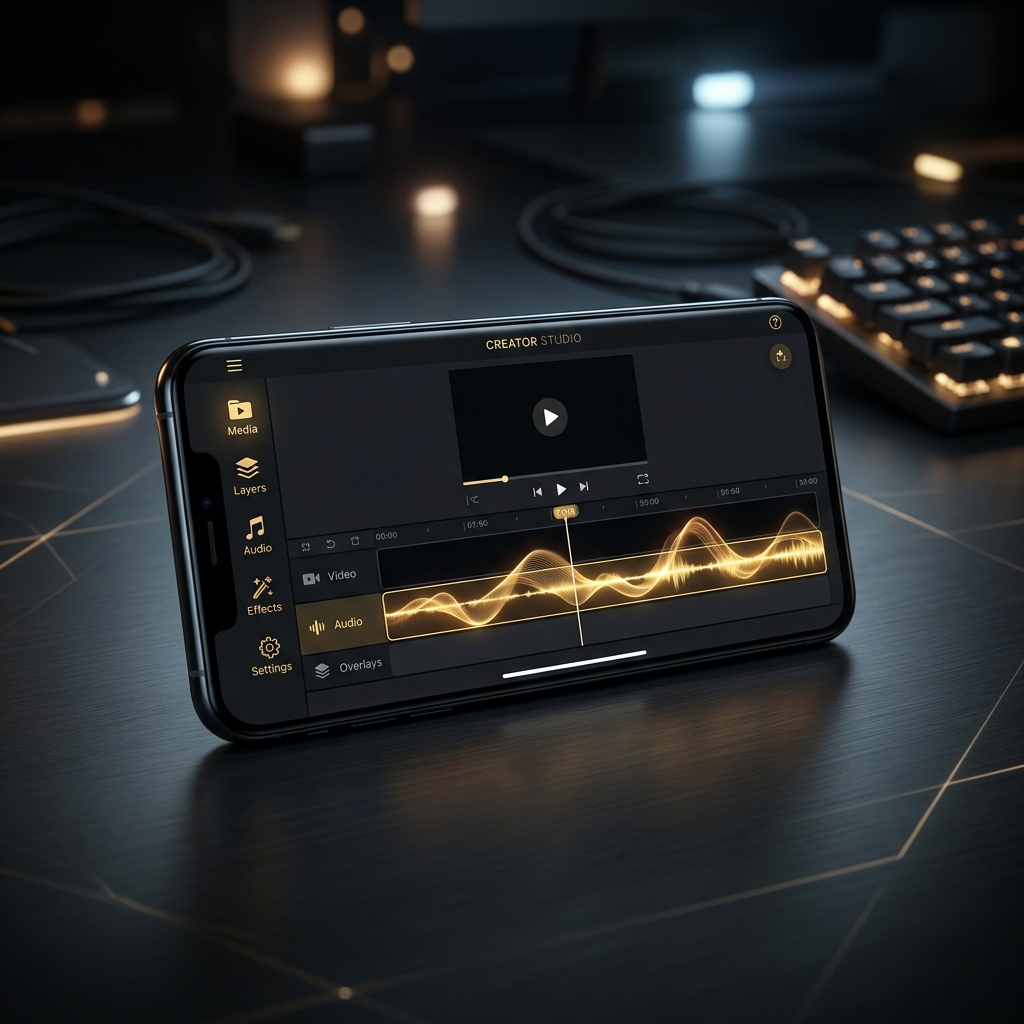
AI Video Studio on Your Phone: Edit Vertical Videos Without a Laptop
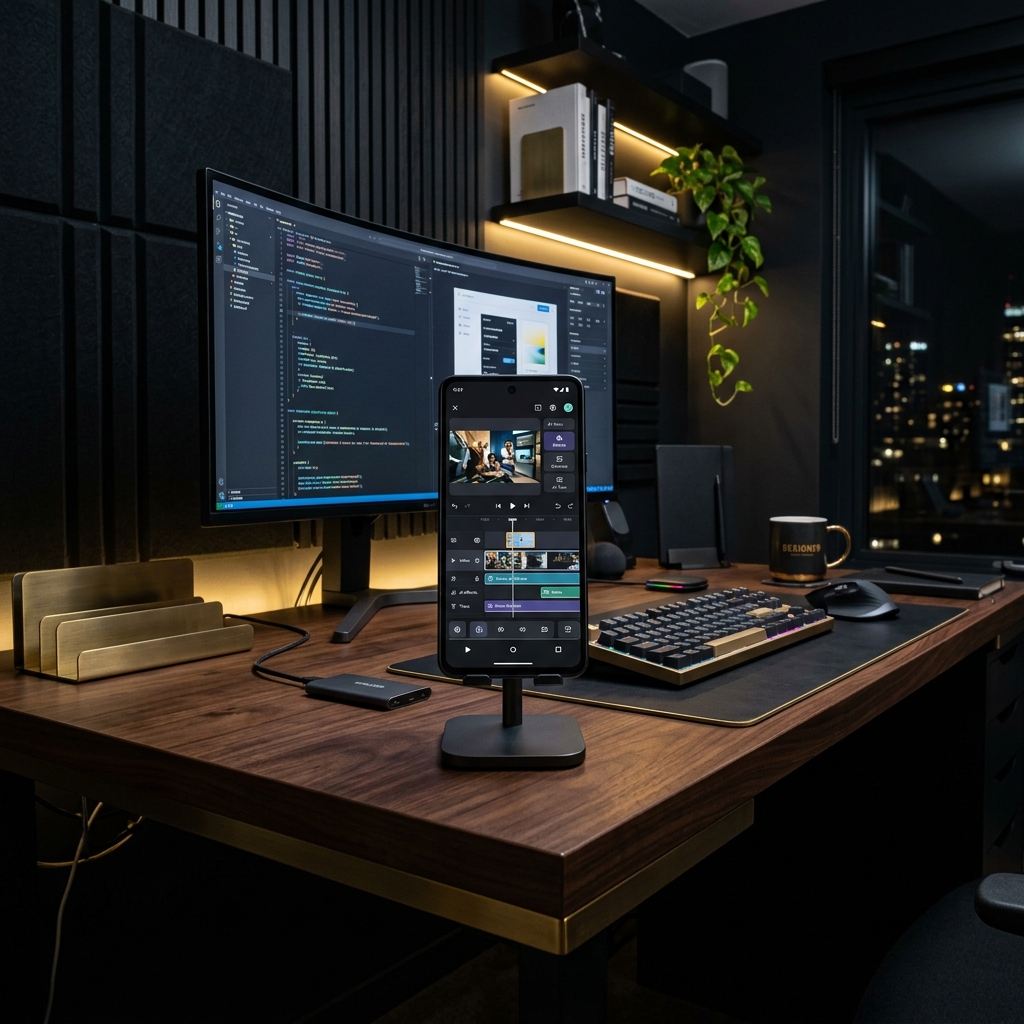
For years, serious content creation came with a prerequisite: you needed a powerful laptop or a desktop PC. If you wanted to edit videos, you had to run resource-heavy programs like Adobe Premiere or DaVinci Resolve. The rendering times would exhaust mid-range laptops, and the learning curve was steep.
But the content landscape in 2026 is mobile-first. Since more than 90% of short-form video consumption occurs on smartphones, it makes perfect sense to keep the entire creation pipeline on your mobile device as well. You no longer need a desktop setup to produce professional-grade vertical videos.
By using a dedicated AI video studio on your phone, you can write scripts, generate lifelike narration, overlay matching stock footage, and style dynamic subtitles on the go.
The Shift from Desktop to Mobile AI Studios
Desktop video editing setups are not only expensive but they anchor you to a desk. In contrast, mobile content production lets you create whenever inspiration strikes. Whether you are commuting, standing in line, or relaxing in a cafe, you can draft and publish a video in minutes.
Furthermore, cloud-based rendering engines mean that the heavy processing is handled on external servers. The app on your phone acts as an interface, sending instructions to the cloud and returning a fully rendered 1080p MP4 file in under 3 minutes.
Key Mobile Features in Zynos Reels
Zynos Reels acts as your personal mobile AI editing suite. It eliminates the need for computer-based editors through native automated tools:
- Automated B-roll Selection: Generates fitting video scenes based on your script, so you don't have to manually download stock clips.
- Advanced Subtitle Templates: Renders captions in trending kinetic fonts automatically.
- AI Voiceovers: Synthesizes natural, human-sounding speech from plain text inputs.