Best CapCut Alternative for Reels & Shorts in 2026 (Honest Review)
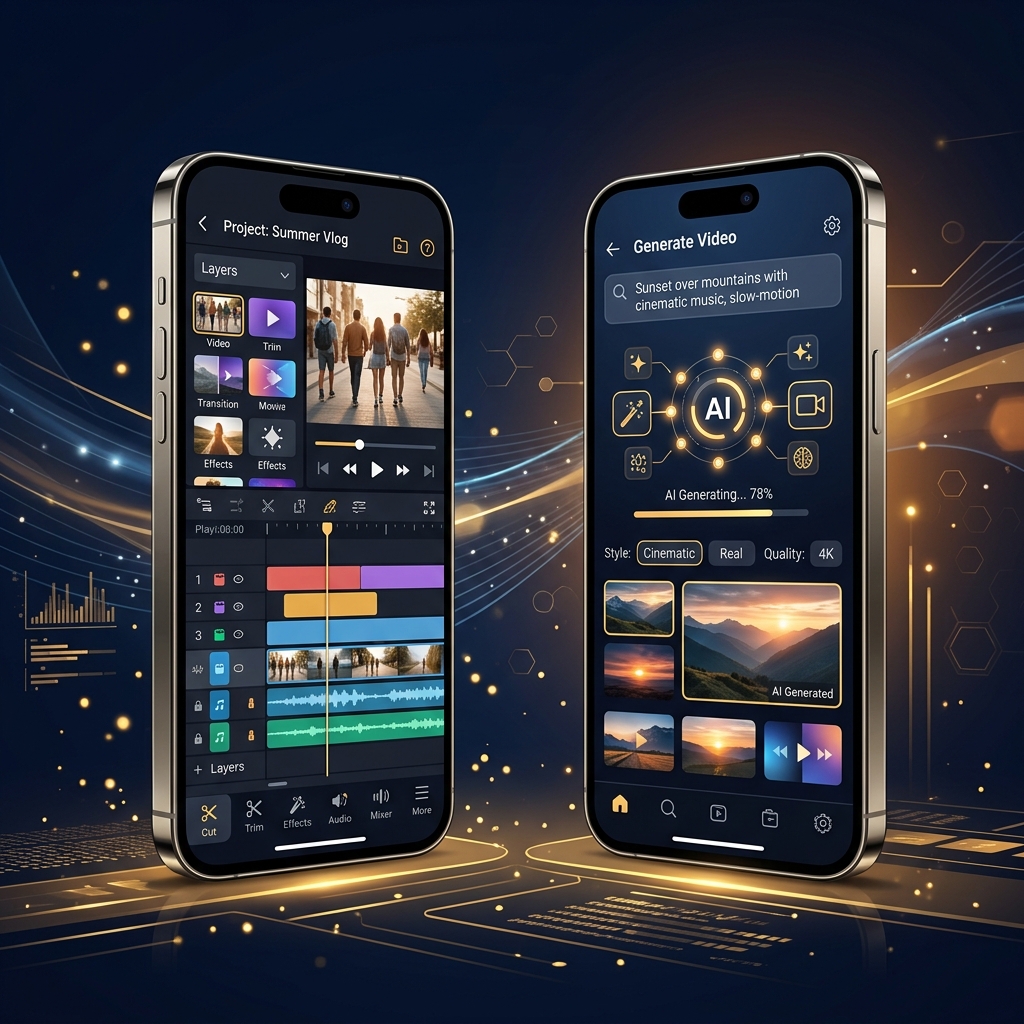
CapCut changed the game when it launched. Suddenly, anyone with a phone could add auto-captions, smooth transitions, and trending templates to their videos. For a while, it was the only editing app that mattered for short-form creators.
But here is the problem: CapCut still requires you to do all the heavy lifting. You shoot the footage. You arrange the clips on a timeline. You manually adjust the captions. You hunt for the right music track. The "AI" features are helpful add-ons, but the core workflow is still manual video editing.
In 2026, a new category of apps has emerged. These are not editors — they are full AI video generators. You type a topic or paste a script, and the app produces a finished, publish-ready video with voiceover, stock footage, animated captions, background music, and transitions. No timeline. No editing skills. No footage required.
If you are looking for a CapCut alternative that actually saves you time instead of just making manual editing slightly easier, this guide is for you.
Why Creators Are Leaving CapCut
CapCut is not a bad app. It is a very good traditional editor. But the reasons creators are looking for alternatives come down to three core issues:
- Time investment. Creating one 60-second video in CapCut takes 30 to 90 minutes depending on complexity. Finding footage, trimming clips, syncing captions, selecting music — it adds up fast when you need to post daily.
- No script-to-video automation. CapCut cannot take a written script and automatically generate a finished video. You still need to source every piece of footage and arrange everything manually.
- Regional availability concerns. As a ByteDance product, CapCut faces ongoing regulatory scrutiny in multiple markets. Some creators prefer tools that are not tied to those uncertainties.
The Top 5 CapCut Alternatives in 2026
1. Zynos Reels — Best Overall CapCut Replacement
Zynos Reels is not just an alternative to CapCut — it is a completely different approach to content creation. Instead of editing footage on a timeline, you type a topic and the AI builds everything for you.
The app generates a hook-driven script, matches high-quality stock footage to every sentence, produces a natural-sounding AI voiceover, adds word-by-word animated captions, layers background music, and renders the final video in 9:16 vertical format. The whole process takes about 3 minutes.
What makes it better than CapCut:
- Full script-to-video automation — no footage needed
- AI voiceover that sounds genuinely human, not robotic
- Multiple formats: faceless videos, talking avatars, UGC style, storytime
- 3-minute production time vs. 60+ minutes in CapCut
- Built for creators who need to post daily without burning out
What CapCut still does better:
- Manual timeline editing with granular clip-by-clip control
- Green screen and background removal for your own filmed footage
Pricing: Subscription plans start at $9.99/month.
Best for: Creators who want to produce content without a camera and publish daily without spending hours editing.
2. InShot — Best for Quick Trims and Adjustments
InShot is a lightweight video editor that excels at quick edits. If you already have filmed footage and just need to trim clips, add text, and apply filters, InShot gets the job done faster than CapCut because it has fewer menus and a simpler interface.
Strengths: Fast trimming, simple text overlays, music library, ratio presets for all platforms.
Weaknesses: No AI automation, no voiceover generation, no script-to-video capabilities. You still need to film and edit everything yourself.
Pricing: Ad-supported with a Pro plan starting at $3.99/month.
3. VN Editor — Best Free Timeline Editor
VN (also called VlogNow) is the closest thing to a desktop-grade editing app on mobile. It offers multi-track timelines, keyframe animations, speed curves, and masking tools. For creators who genuinely enjoy the editing process and want fine control over every frame, VN is excellent.
Strengths: Multi-track timeline, keyframe animation, no watermarks on exports, completely free.
Weaknesses: Steep learning curve, no AI features whatsoever, requires you to source all footage and audio manually.
Pricing: Completely free with no watermarks.
4. Canva Video — Best for Branded Marketing Content
Canva's video editor is ideal for small businesses and marketers who need brand-consistent social content. It offers thousands of templates with customizable fonts, logos, and color palettes. The drag-and-drop interface is beginner-friendly and the brand kit feature ensures every video matches your visual identity.
Strengths: Brand kit integration, massive template library, team collaboration features.
Weaknesses: Not designed for organic creator content, limited audio editing, no AI voiceover or script generation.
Pricing: Free tier available. Canva Pro starts at $12.99/month.
5. KineMaster — Best for Advanced Mobile Editing
KineMaster has been around longer than most mobile editors and offers features like chroma key compositing, blending modes, and multi-layer editing. It targets creators who want professional-grade control without moving to a desktop application.
Strengths: Chroma key, blending modes, multi-layer editing, asset store with effects and transitions.
Weaknesses: Watermark on exports unless subscribed, dated interface compared to newer apps, no AI automation.
Pricing: Watermarked exports on free tier. Premium starts at $4.99/month.
Which CapCut Alternative Should You Choose?
The answer depends entirely on how you create content:
- If you want to stop editing entirely and let AI handle everything from script to final video, Zynos Reels is the clear choice. It is the only app on this list that produces complete, publish-ready videos from a text prompt.
- If you have your own footage and just need quick trims and text overlays, InShot is the fastest option.
- If you enjoy the editing process and want maximum creative control on mobile, VN Editor gives you a desktop-grade timeline for free.
- If you create branded business content and need template consistency, Canva Video is your best bet.
For the growing majority of creators who need to publish daily across TikTok, Instagram, and YouTube — and who cannot afford to spend an hour per video — the AI-powered approach is not just an alternative to CapCut. It is the next logical step.