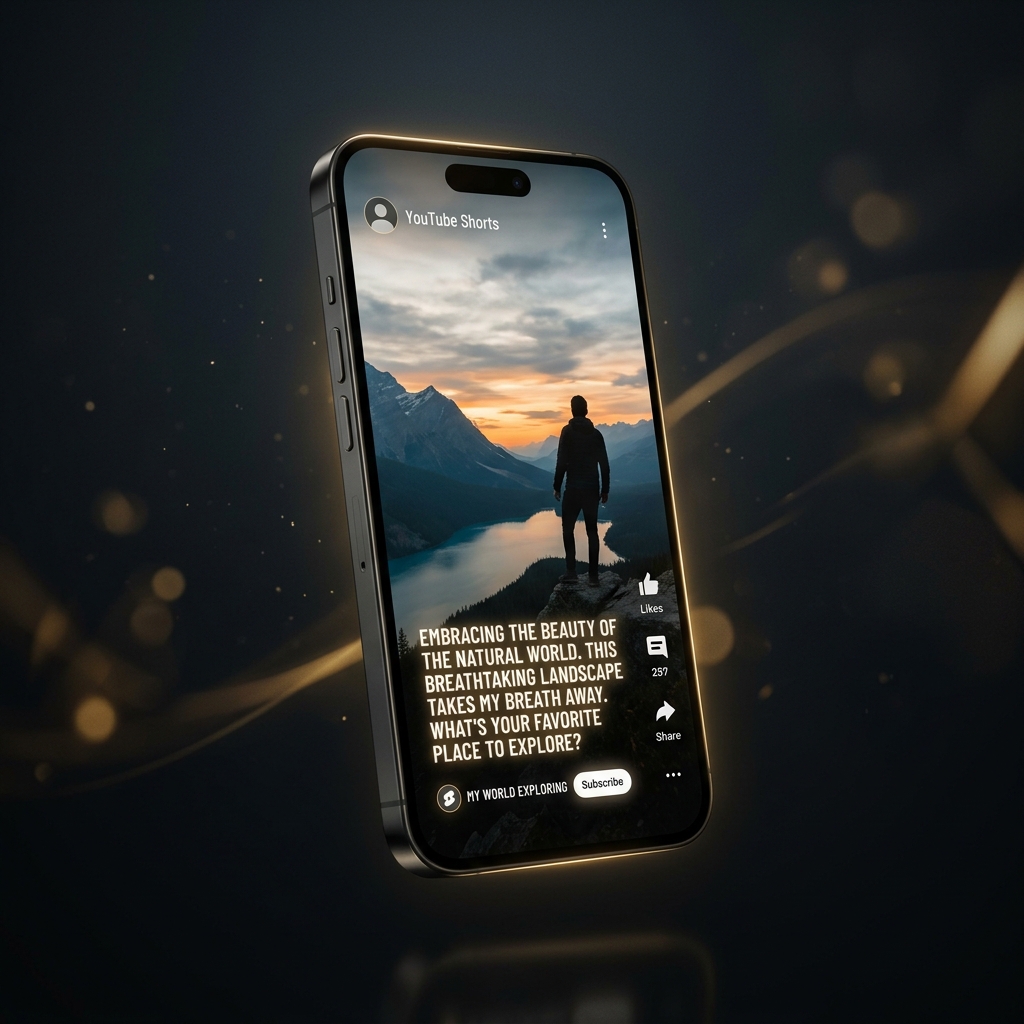
How to Automate YouTube Shorts With AI in 2026 (Step-by-Step)

YouTube Shorts gets over 70 billion daily views. It is currently the most powerful organic growth channel on the internet. Creators who build successful Shorts channels are generating millions of views and thousands of dollars per month in AdSense and affiliate commissions.
The secret behind the top-performing Shorts channels in 2026 is simple: automation. Traditional video production — filming, sourcing B-roll, cutting clips, generating subtitles, balancing audio — takes 1 to 2 hours per 60-second video. With AI automation tools, you can compress that entire pipeline into a 3-minute, automated process on your phone.
This article gives you the exact 4-step system to automate your YouTube Shorts channel from scratch using AI.
The 4-Step Shorts Automation Blueprint
Step 1: Batch Topic Research (10 Minutes)
Automation begins with topic selection. Rather than thinking of ideas one by one, spend 10 minutes at the start of the week batching 15 to 20 topic ideas in your niche.
Where to find high-performing topics:
- YouTube Search Autocomplete: Type your niche topic into YouTube's search bar (e.g., "Psychology tricks for...") and write down the top 5 suggested completions.
- AnswerThePublic / Google Trends: Look for rising search queries and high-volume questions.
- Competitor Analysis: Filter top channel Shorts in your niche by "Most Popular" to spot proven viral angles.
Step 2: Automated Script Generation & Editing (3 Minutes)
Once you have a list of topics, you do not need to write scripts manually. Modern AI video engines include built-in hook-driven scriptwriters trained specifically on short-form retention mechanics.
Inside Zynos Reels, simply input your topic prompt (e.g., "3 dark psychology tricks people use to manipulate you"). The app generates a structured 60-second script with:
- A 3-second pattern interrupt hook
- Fast-paced core value points with zero fluff
- A call-to-action closing line to boost engagement and subscribes
Step 3: AI Production & Rendering (2 Minutes)
This is where the heavy lifting happens automatically. In traditional editors, matching stock footage, syncing audio, and animating subtitles takes up 80% of your editing time.
With an integrated script-to-video AI pipeline, the engine automatically:
- Generates a ultra-realistic human AI voiceover
- Selects contextually accurate HD stock video clips matching your script sentence by sentence
- Applies word-by-word animated kinetic captions in vibrant gold/white styling
- Renders the complete video directly in vertical 9:16 aspect ratio
Step 4: Scheduling & Cross-Platform Distribution
Once your videos are rendered, export them to your phone gallery. Use YouTube Studio to schedule 1 to 3 Shorts daily during peak viewing hours (typically 12 PM - 3 PM and 6 PM - 9 PM in your target timezone).
Pro Tip: Re-upload the exact same MP4 video files to Instagram Reels and TikTok. A single automated video production run can feed all 3 major short-form platforms simultaneously, tripling your potential view count for zero extra effort.
Best Practices to Guarantee High Retention Rates
The YouTube Shorts algorithm prioritizes two primary metrics: **Average Percentage Viewed (APV)** and **Relative Audience Retention**. Here is how to keep retention above 85%:
- Keep Videos Between 40-55 Seconds: Videos under 30 seconds often receive lower RPM payouts, while videos over 58 seconds risk losing viewer attention before completion.
- Dynamic B-Roll Switches: Ensure video footage changes scene every 2 to 3 seconds to prevent visual boredom.
- Clear Audio & Punchy Voiceover: Avoid robotic-sounding pitch modulation. Use warm, natural AI voices that sound authentic.
Start Automating Your Content Engine
Building a successful YouTube Shorts channel is no longer about who spends the most hours editing in front of a desktop monitor. It is about who can consistently deliver engaging, value-packed content day after day. With Zynos Reels on your Android device, you have a full AI production studio right in your pocket.