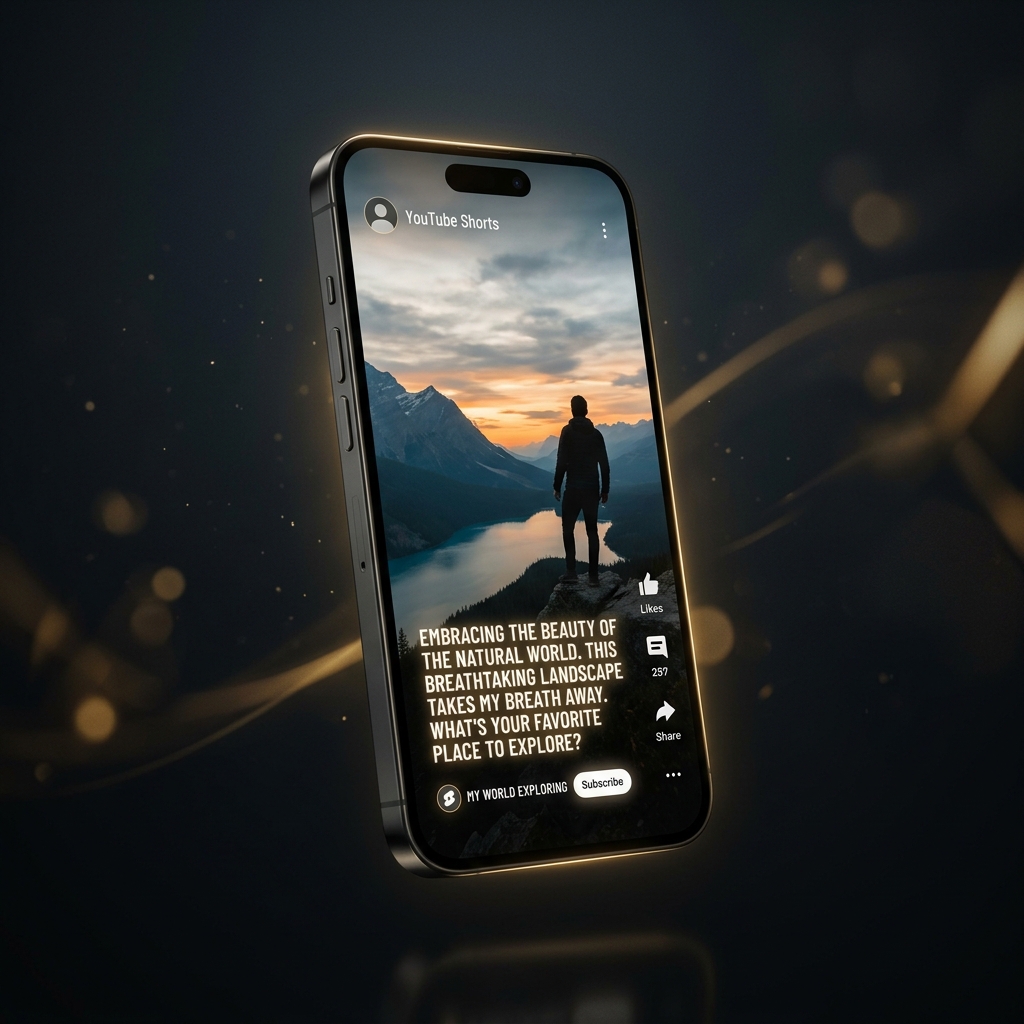
How to Make AI Generated Videos for YouTube Without Showing Your Face

The biggest YouTube channels in 2026 are not run by people who show their face on camera. They are run by creators who type a topic into an AI video generator, let the software build the entire video, and upload the result directly to YouTube.
Channels like "Scary Interesting," "Be Amazed," and "Bright Side" have proven for years that faceless content works. What has changed is the production method. In 2024, running a faceless channel required hiring scriptwriters, voiceover artists, and video editors. In 2026, one person with a smartphone and an AI video maker can produce the same quality output in under 5 minutes.
This guide shows you exactly how to build a faceless YouTube channel using AI-generated videos — from choosing a profitable niche to uploading your first Shorts.
Step 1: Choose a Niche That Works for Faceless Content
Not every niche works for faceless AI-generated content. The best niches share three characteristics: they rely on information (not personality), they can be visualized with stock footage, and they have an audience that watches for the content rather than the creator.
High-performing faceless niches in 2026:
- Psychology and human behavior. "5 Signs You Are Dealing With a Narcissist" — this format dominates Shorts because the content is inherently interesting and stock footage of people in everyday situations works perfectly.
- History and historical facts. "The Most Insane Thing About Ancient Egypt" — dramatic narration over historical imagery performs consistently well.
- Business and money. "How This 22-Year-Old Built a $1M Business" — success stories and financial tips attract engaged viewers.
- Science and space. "What Would Happen If the Moon Disappeared" — curiosity-driven content with stunning visuals.
- Technology and AI. "5 AI Tools That Will Replace Your Job in 2026" — high relevance, high search volume, easy to illustrate with screen recordings and stock tech footage.
Step 2: Generate Your First Video With AI
Once you have your niche, the production process is straightforward. Here is how to create your first AI-generated YouTube Short using Zynos Reels:
- Open the app and enter your topic. Type something specific like "5 psychology tricks that make people like you instantly." Specific topics outperform vague ones because the AI can generate a tighter, more focused script.
- Review and customize the script. The AI generates a hook-driven script optimized for short-form retention. Read through it. Edit any lines that do not sound natural to you. The best faceless channels develop a consistent tone of voice.
- Select your voiceover style. Zynos Reels offers multiple natural-sounding AI voices. Pick one that matches your niche — authoritative for business content, calm and thoughtful for psychology, energetic for tech.
- Let the AI build the video. The app matches stock footage to each sentence, adds word-by-word animated captions, layers background music, and renders the final video in 9:16 vertical format.
- Download and upload to YouTube Shorts. The entire process from topic to finished video takes about 3 minutes.
Step 3: Optimize for the YouTube Algorithm
Creating the video is only half the equation. Getting it seen requires understanding how the YouTube Shorts algorithm works:
- The first 3 seconds decide everything. Your hook must create curiosity or promise value immediately. "You will never look at your dog the same way after this" works better than "Here are some interesting facts about dogs."
- Retention beats everything else. YouTube measures what percentage of viewers watch to the end. AI-generated scripts with tight pacing and no filler naturally achieve higher retention than manually edited videos with dead space.
- Post consistently. The Shorts algorithm rewards channels that upload regularly. AI video generation makes daily posting realistic without burning out.
- Use keyword-rich titles and descriptions. YouTube uses text metadata to understand what your video is about. Include your target keyword naturally in the title and first line of the description.
Step 4: Scale to Daily Production
The real advantage of AI video generation is not the quality of a single video — it is the ability to maintain daily output without the production overhead that burns out traditional creators.
A typical faceless channel workflow with Zynos Reels looks like this:
- Morning (10 minutes): Research trending topics in your niche using YouTube search suggestions, Google Trends, and TikTok's discover page.
- Midday (15 minutes): Generate 3 to 5 videos using Zynos Reels' script-to-video pipeline.
- Evening (5 minutes): Upload one video with an optimized title, description, and hashtags. Schedule the rest for the following days.
Total daily time investment: under 30 minutes for a channel that posts every single day.
Will YouTube Penalize AI-Generated Content?
This is the question every creator asks. The short answer: no, YouTube does not penalize AI-generated content simply for being AI-generated. What YouTube penalizes is low-quality, spammy, or misleading content — regardless of how it was made.
YouTube's own guidelines state that AI-generated content is treated the same as any other content in terms of monetization eligibility. The key is producing content that provides genuine value to viewers. A well-crafted AI-generated video about psychology facts is treated the same as a manually edited one.
The creators who get penalized are the ones who mass-upload generic, repetitive AI slop with no editorial oversight. The ones who succeed treat AI as a production tool while maintaining editorial control over topics, scripts, and quality.