Best AI Video Editor for Instagram Reels: Top 5 Apps Compared (2026)
Instagram Reels is one of the primary drivers of organic reach on Instagram. Whether you are a business owner, niche page operator, or personal brand, posting high-quality vertical videos consistently is non-negotiable in 2026.
However, editing vertical videos manually is tedious. Finding the right background music, trimming clips, syncing voiceovers, and adding animated captions line-by-line takes hours. AI-powered video editors have transformed this workflow, enabling creators to produce professional, algorithm-friendly Reels in minutes.
We tested the top AI video tools available in 2026 to bring you an honest comparison of the 5 best AI video editors for Instagram Reels.
Key Evaluation Criteria for Instagram Reels Editors
- AI Automation Level: Does the app offer full text-to-video generation or does it only assist with manual editing?
- Mobile Usability: Is it built as a native mobile app for fast creation on the go?
- Voice & Subtitle Quality: Are the AI voices natural-sounding and the animated captions customizable?
- Output Formatting: Does it export in native 9:16 HD vertical resolution optimized for Instagram?
Top 5 AI Video Editors for Instagram Reels
1. Zynos Reels — Best Overall AI Video Generator for Mobile
Zynos Reels leads the list for creators who want fully automated, high-retention Instagram Reels generated directly from text prompts.
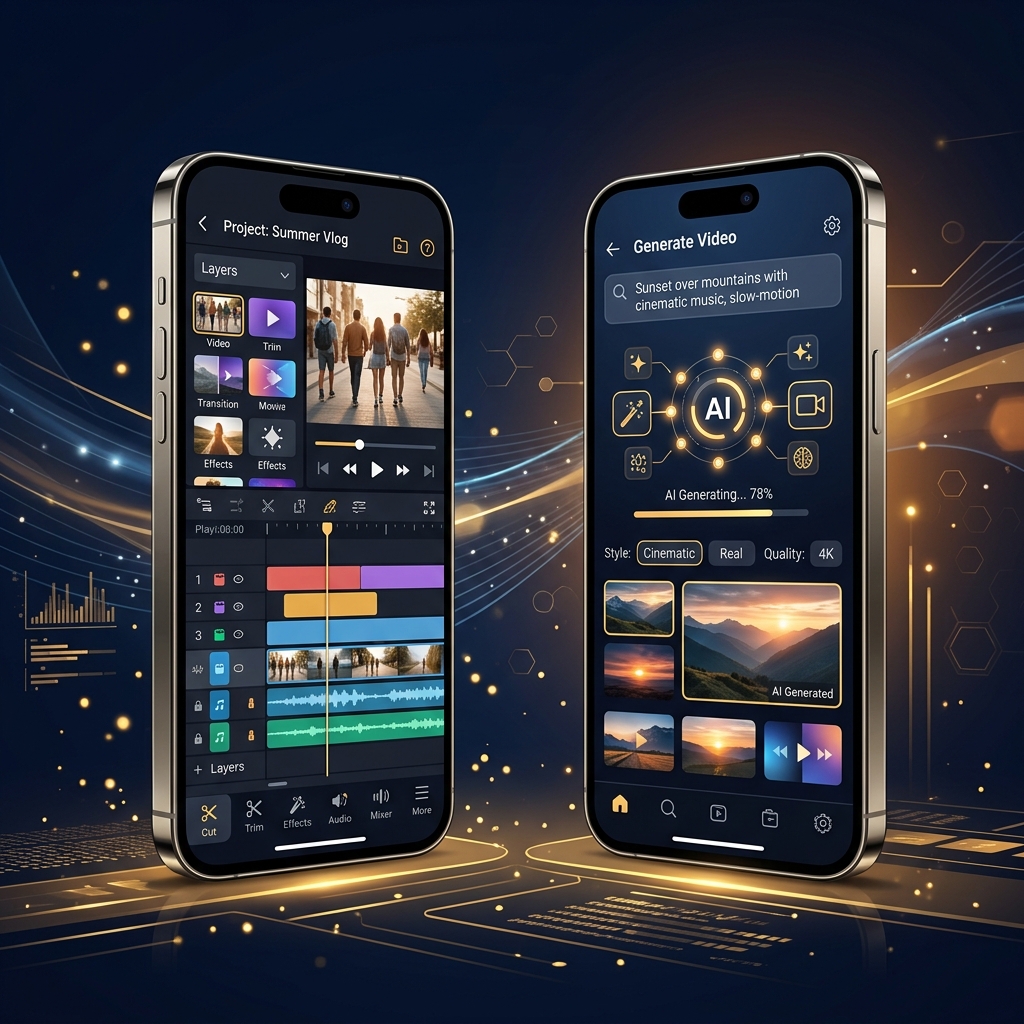
Unlike traditional editors where you assemble clips manually, Zynos Reels features a complete script-to-video AI engine. Input a topic idea, and the app writes an engaging script, selects matching HD stock video, applies natural human voiceovers, and generates word-by-word kinetic captions in under 3 minutes.
Highlights:
- Purpose-built for Android creators focused on short-form content
- Multiple formats: faceless videos, talking avatars, UGC, storytime
- Hyper-realistic AI voices with human intonation
- Pre-formatted in native 9:16 vertical resolution
- Affordable plans starting at $9.99/month
2. CapCut — Best Free Manual Editor with AI Features
CapCut remains a top choice for creators who shoot their own video footage and want manual timeline editing enhanced by AI tools like auto-captioning and background removal. Check out our detailed CapCut alternative review for more insights.
Pros: Extensive template library, auto-captions, free timeline editing.
Cons: No text-to-video script generation; requires manual video sourcing and assembly.
3. InShot — Best Simple Mobile Video Trimmer
InShot is a lightweight mobile editor suitable for quick edits, speed adjustments, and basic text overlays. It is ideal for creators who already have recorded footage and need a simple, intuitive layout.
Pros: Quick clip trimming, simple user interface, affordable pro tier.
Cons: Lacks advanced AI script-to-video automation and AI voiceovers.
4. Canva Video — Best for Branded Business Reels
Canva's video editor offers drag-and-drop templates ideal for brands needing consistent typography, logos, and color palettes across social posts.
Pros: Excellent brand kit integration, huge graphic template library.
Cons: Limited voiceover capabilities and short-form video AI automation features.
5. Mojo — Best for Animated Typography and Graphics
Mojo specializes in stylized animated text templates and dynamic graphic overlays, making it popular for fashion, lifestyle, and aesthetic Instagram pages.
Pros: Stylish motion graphics and visual templates.
Cons: Lacks full AI video generation from text prompts.
Summary: Which Tool Fits Your Workflow?
If you prefer to film your own content and enjoy manual timeline editing, tools like CapCut or InShot offer solid manual controls. However, if your goal is to post daily vertical Reels without camera work or hours of editing, an automated AI studio like Zynos Reels provides the fastest path to consistent, high-quality production.