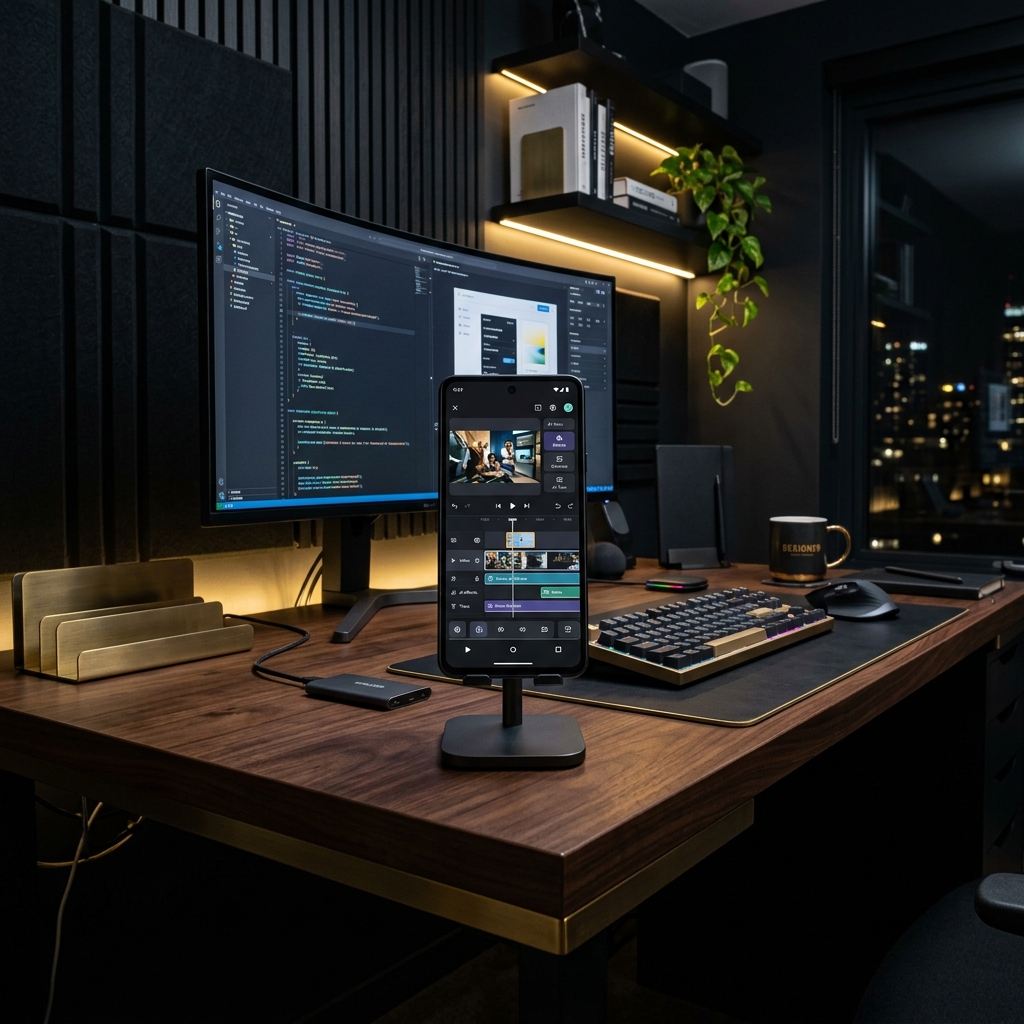
How to Make Consistent Branded Reels: Save Fonts, Styles & Templates
Building a brand on social media is not just about posting good videos. It's about recognition. If a user is scrolling through their feed and encounters your video, they should immediately know it belongs to your brand before they even read your profile name.
That visual familiarity is built through consistent branding. Using the same font hierarchy, the same color palettes, the same subtitle style, and the same positioning of watermarks makes your content feel cohesive and professional.
Configuring these styles manually for every single Reel you edit is incredibly tedious. In this guide, we'll explain how to configure a consistent branded reels template that saves your style kit and cuts down video production time to less than 60 seconds.
The Psychological Power of Branded Visuals
Branding is not just a cosmetic feature. It represents a trust signal. In an era saturated with generic AI content, viewers value consistency and professional presentation. Cohesive colors and clean layouts indicate that the content creator cares about details.
When you use saved brand guidelines, you make it easy for your followers to pick your Reels out from a crowded feed, driving higher engagement and follower retention.
Setting Up Your Brand Kit in Zynos Reels
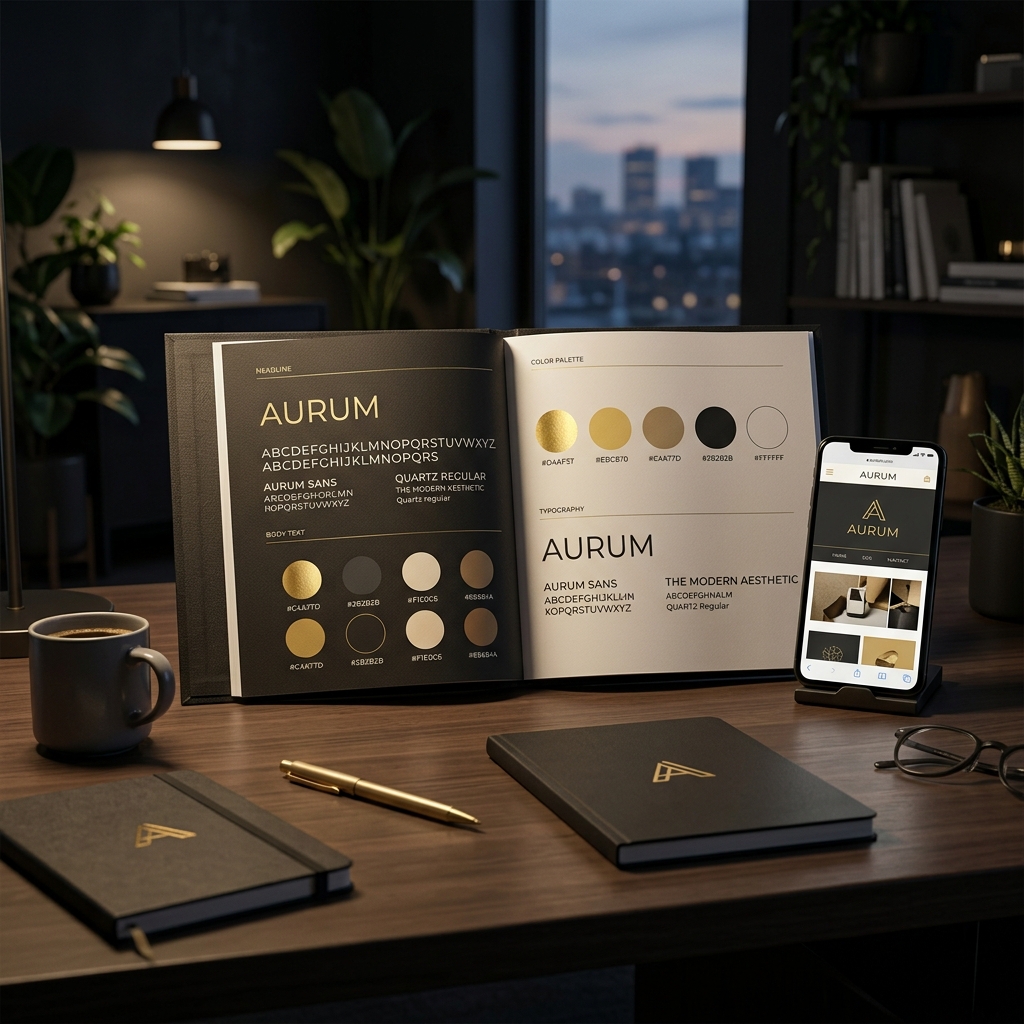
Zynos Reels features a comprehensive mobile Brand Kit to keep your content on-brand:
- Colors: Input your brand's specific color codes to apply them automatically to text backgrounds and accents.
- Fonts: Select your preferred brand font to style all generated kinetic subtitles consistently.
- Logo Overlay: Upload a transparent PNG of your logo to place it as a clean watermark on every video.